
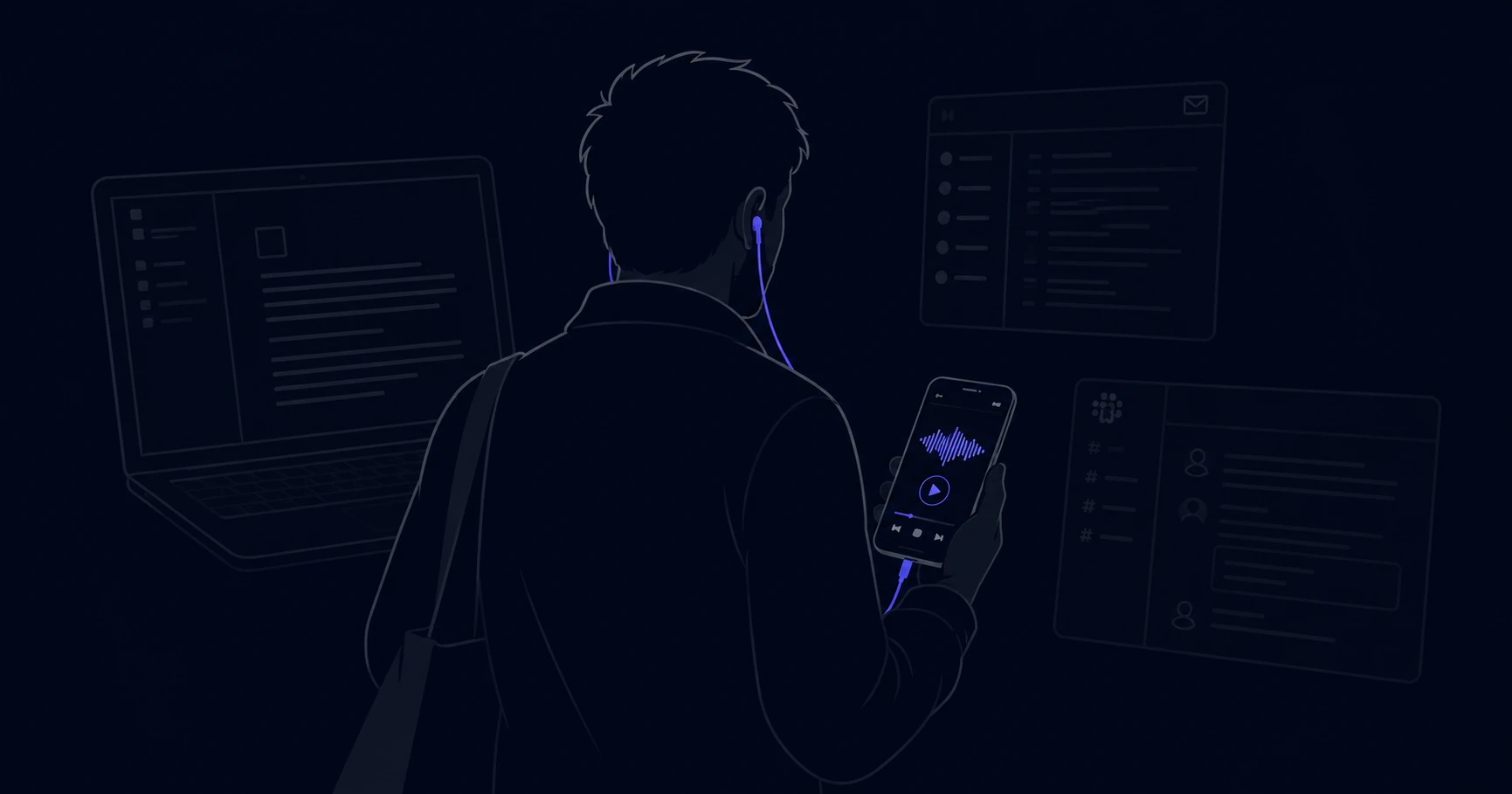
Your team isn't ignoring company updates because they don't care.
They're ignoring them because reading a 600-word Notion page requires sitting down, opening a browser, finding the page, and giving it your full attention for several minutes. That's a high bar. Most people have maybe three slots in their day where they can do that - and those slots are already full.
This is the real async communication problem. Not that teams lack tools. They have Slack, Notion, Loom, email, and a shared drive full of recordings nobody watches. The problem is that almost every format competes for the same window of time: the focused hours at a desk when people are trying to do actual work.
Audio doesn't compete for that window. It opens a different one.
The time that text can't reach
Think about the last hour before your workday started. Or the commute. Or lunch. Or the 20 minutes on a walk after a long meeting.
That time exists for almost everyone on your team. It's not work time - it's transition time, movement time, the gaps between things. And it's almost completely unreachable by text.
You can't read a Notion page while driving. You can't skim a product update while making coffee. A document requires your eyes, your hands, and a screen. Most of the day, at least one of those is unavailable.
Audio doesn't need any of them.
A 5-minute episode covering the week's product updates, a policy change, or a note from leadership can be listened to during a commute, a walk, or lunch - without competing with anything else on anyone's plate. The information reaches people in time they weren't using for anything else.
That's not a small advantage. For a team spread across time zones with back-to-back calendars, it might be the only window that reliably works.
Why other formats keep failing
Slack is where information goes to get buried. The format is designed for conversation, not updates - everything scrolls away, threads collapse, and anything posted more than a few hours ago is effectively gone. Teams use it for announcements because it's where everyone already is, not because it's good at announcements.
Notion and Confluence are good at storing information. They're bad at delivering it. Nobody opens Notion to catch up on what happened this week - they open it when they're already looking for something specific. Publishing a weekly update in Notion is like putting a sign on a shelf in a warehouse and hoping people find it.
All-hands recordings solve the time zone problem but create a different one. A 45-minute recording requires 45 minutes of uninterrupted attention with a screen. Most people watch the first 10 minutes, skip to the parts that seem relevant, and miss everything else. The format that was supposed to keep everyone aligned ends up creating a two-tier team: people who were in the live call, and people who technically had access to the recording.
Email has the same completion problem as documents, plus an inbox problem on top of it.
None of these formats are bad tools. They're just being used for the wrong job.
What actually changes when you use audio
The format shift does a few things that text can't.
It reaches people when they're moving. Commutes, walks, gym sessions - these are listening moments. A team where leadership publishes a weekly 6-minute audio update will have members who consistently listen to it on their way to work, before they've opened their laptop. That's not possible with any text format.
It creates a sense of presence. Reading a policy update written by HR feels like reading a policy update. Hearing it - especially in a voice people recognize - feels like being told something by a person. That difference matters for how the information lands and whether it's remembered.
It removes the completeness problem. People finish podcast episodes. They don't finish long documents. A 5-minute audio episode has a much higher completion rate than a 600-word page covering the same content - not because audio is inherently better, but because people press play while doing something else and let it run to the end.
The format question is practical, not philosophical
This isn't an argument that audio is better than text. Text is better for anything that needs to be searchable, referenceable, or complex. Technical documentation should be a document. A decision record should be a document. An API guide should be a document.
But a weekly team update, a product launch announcement, a note from the CEO, an HR benefits explanation - these aren't reference materials. Nobody needs to ctrl+F them later. They need to land once, clearly, in a moment when people can actually receive them.
For that job, audio reaches places that text doesn't.
Where to start
Pick one update your team consistently misses. The weekly company news nobody reads. The all-hands summary that gets three views. The onboarding doc new hires skim once and forget.
Try producing it as a 4-6 minute audio episode instead. Not in addition to the text - instead of it, or alongside it for one month.
Internal Cast is built for exactly this - turning written updates into private podcast episodes your team can listen to anywhere. You paste the content, review the generated script, choose a voice, and publish. No microphone, no editing, no podcast hosting setup.
If you want to understand how the distribution side works - how team members actually subscribe and listen - here's how the RSS feed works.